

How to post dealership inventory to Facebook Marketplace
Free Marketplace vehicle listings are posted one at a time, each from a person's Facebook account. There is no button that uploads a whole dealership's inventory as free listings. So the question for a dealership is how to get every vehicle posted, kept accurate and answered without tying up the sales floor.
1. Get your inventory in one place
Whatever posts your vehicles needs the same details for each one: VIN, stock number, year, make, model, trim, mileage, price, exterior and interior colour, and photos. Most dealerships already have this in one of four places:
- Your inventory provider. vAuto, HomeNet, DealersLink and similar tools can send a daily inventory file.
- A feed link. A CSV, XML or JSON feed, including the catalog feeds built for Facebook and Google ads.
- Your website. Most dealer websites list every vehicle with its photos and price.
- A spreadsheet. Fine for a small lot, as long as someone keeps it current.
2. Decide who posts
Buyers message the person who posted. Post each vehicle from a salesperson who will answer, from their own account, in their own browser. Spread the lot across the team so no single account posts dozens of vehicles in a day. See how to keep accounts in good standing.
3. Pick how vehicles get posted
- By hand. Free, and fine for a few vehicles. Each listing is a form, a set of photos and a description, roughly twelve minutes a vehicle, so most stores only ever post a fraction of the lot.
- With a posting tool. A Chrome extension that fills in Facebook's listing form from your inventory, in each salesperson's own browser. The salesperson stays signed in to their own account. See what to look for in one.
- As paid ads. Facebook's automotive inventory ads build ads from a catalog of your vehicles. That is advertising with a budget, separate from free Marketplace listings.
4. Keep the listings in sync
Inventory changes every day. A vehicle that sold yesterday and is still listed brings messages you cannot answer well, and a price drop that never reaches Facebook makes the listing wrong. Whatever you use, check listings against inventory daily: take sold vehicles down and update prices.
5. Turn messages into leads
Every listing brings messages to the salesperson who posted it. Decide where those conversations are tracked, whether in your CRM or a dashboard, so that the owner can see which buyers are waiting. See how to answer the first message.
Posting with DealersGO
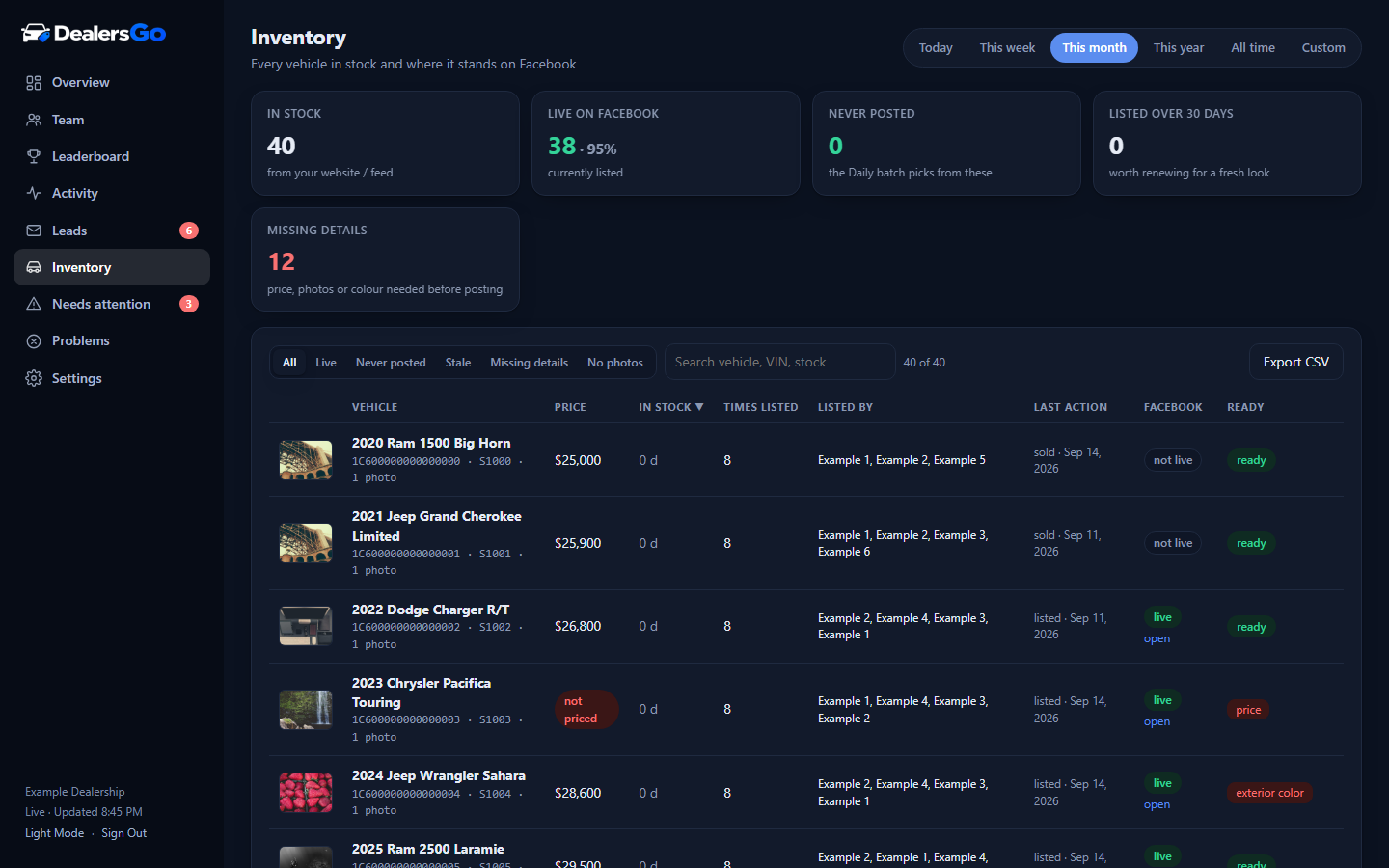
DealersGO reads your inventory from your provider's feed, a feed link or your website. Each salesperson installs the Chrome extension, activates it with their own key, and posts with one click or a Daily batch of 1 to 15 vehicles, a few minutes apart. Sold vehicles come off Facebook after they leave your inventory, and buyer messages are filed under each vehicle as leads. It works the same for cars, RVs, powersports, boats and golf carts.
FAQ
Can we upload our whole inventory to Marketplace at once?
Not as free listings. Each vehicle is its own listing from a person's account. A posting tool fills in each listing for you, one at a time.
Do we need a Facebook Page?
No. Vehicle listings come from personal accounts. A Page is a good extra place to share the same inventory.
What inventory formats work with DealersGO?
A file from your inventory provider, a CSV, XML or JSON feed link, a spreadsheet, or your website.