

Choosing a Facebook Marketplace posting tool for car dealers
A Marketplace posting tool takes your inventory and lists it on Facebook Marketplace for your salespeople. Most of them post. The differences are in how they post, how they charge, and what happens after the listing goes up. Here is what to check before you sign.
1. How it posts
Free Marketplace vehicle listings come from personal Facebook accounts. Look for a tool that posts from each salesperson's own account, in their own browser, at a human pace. Be careful with any tool that asks for a Facebook password, or posts the whole lot from one shared account.
2. Where the inventory comes from
The tool should read the inventory you already have: your provider's feed (vAuto, HomeNet, DealersLink and others), a feed link, or your website. Ask how often it checks for changes, and whether sold vehicles come off Facebook on their own.
3. How it is priced
Tools charge per user, per listing, by daily post limits, or per store. The plan that looks cheapest for one person can be the most expensive for a sales floor: eight salespeople on a $50-per-user plan is $400 a month. Count everyone who will post and every vehicle on the lot, then compare totals.
4. What happens to buyer messages
The listing is the start. Ask where conversations end up: filed under the vehicle, sent to your CRM as a lead, and visible to a manager. Some tools reply to buyers with AI on their own; decide whether you want that, or a suggested reply that a person sends.
5. What the owner sees
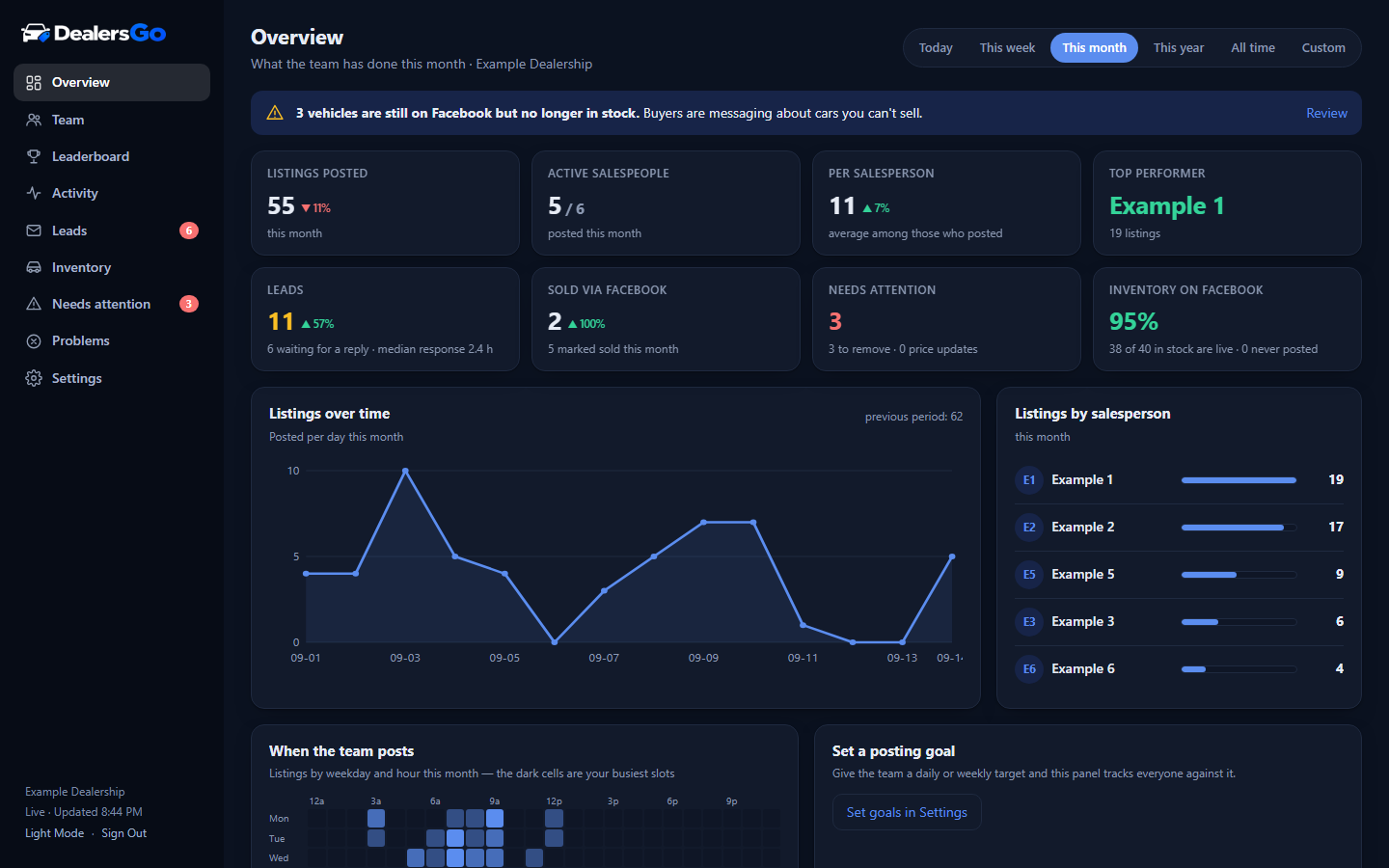
With several people posting, the owner needs to know who posted what, who has gone quiet, which leads are waiting and what sold through Facebook. Without it, Marketplace stays invisible to the store.
6. Contract and setup
Check for setup fees, the minimum term and how to cancel. A tool you can try on your own vehicles first, and leave month to month, carries less risk.
Questions to ask in a demo
- Does it post from each salesperson's own Facebook account? Does it ever need our password?
- Which inventory sources does it read, and how often?
- What does it cost for our whole team and our whole lot?
- Do sold vehicles come down on their own?
- Where do buyer messages go, and does it reply on its own?
- What does the owner see?
- Is there a setup fee or a long contract?
Compare the tools
We keep a side-by-side of published prices and features: Facebook Marketplace posting tools for car dealers, compared. Or see DealersGO next to Shiftly or CARVID.
FAQ
What is the difference between a posting tool and a DMS?
A DMS runs the dealership's deals, inventory and accounting. A posting tool takes inventory from it, or from your website, and lists it on Marketplace.
How much do Marketplace posting tools cost?
Published prices run from about $30 a month for one person to several hundred a month for a team. See the comparison.
Does DealersGO reply to buyers by itself?
No. It suggests a reply, and a person presses Send.